
Google Play API. Android app data as JSON.
Full app pages, reviews, charts, search, suggestions and developer catalogues, in the storefront and language you ask for.
- 170 storefronts
- 9 JSON routes
- 1 credit per request
- Failed requests aren't charged
Teams running monitoring, research, and enrichment pipelines


Why Social Fetch
Google Play data as JSON. You build the product.
Live Google Play data in one response shape, with platform changes handled for you.
Google Play, plus every other platform
One key and one response envelope for Google Play and 86 more platforms.
API key
sk_live_••••••••












































Pricing you can reason about
One request, one credit. Know how far your balance will go before you run your next batch.
- Requests
- 480
- Credits
- 480
Balance
Live data on every request
Fetch public data when you ask for it.
Nothing to maintain
We handle platform changes and breakages.
Built for production jobs
Run concurrent workloads with explicit statuses and request IDs.
lookupStatus: found
Regular jobs. Better rates.
Running lookups every month? Get lower per-credit rates with a monthly plan. For occasional projects, choose pay as you go.
What Google Play data can you get?
9 endpoints, one API key. Every response comes back as live JSON in the same envelope.
Apps
Discover
Reference
Browse all 9 Google Play endpoints
Apps
Discover
Reference
Example request
GET /v1/google-play/apps/{appId}. Send your API key in the x-api-key header. New accounts get 100 free credits, no card needed.
Example response
A 200 response. Live responses have the same shape with current data.
What teams build with Google Play data
Monitoring, enrichment, research and content workflows on Google Play data, on the same API as every other platform.
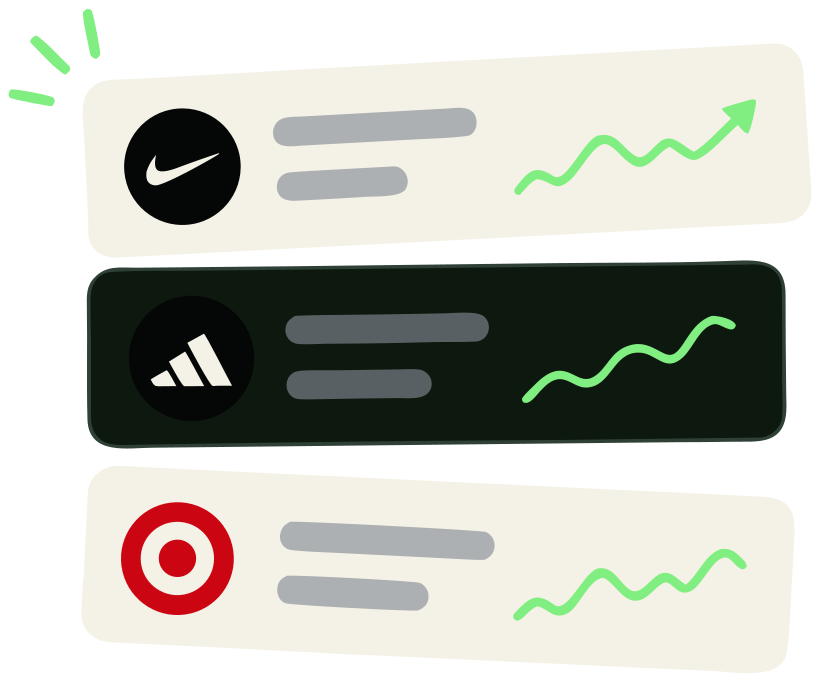
Track rival apps
Follow ratings, installs, prices and chart ranks by country.
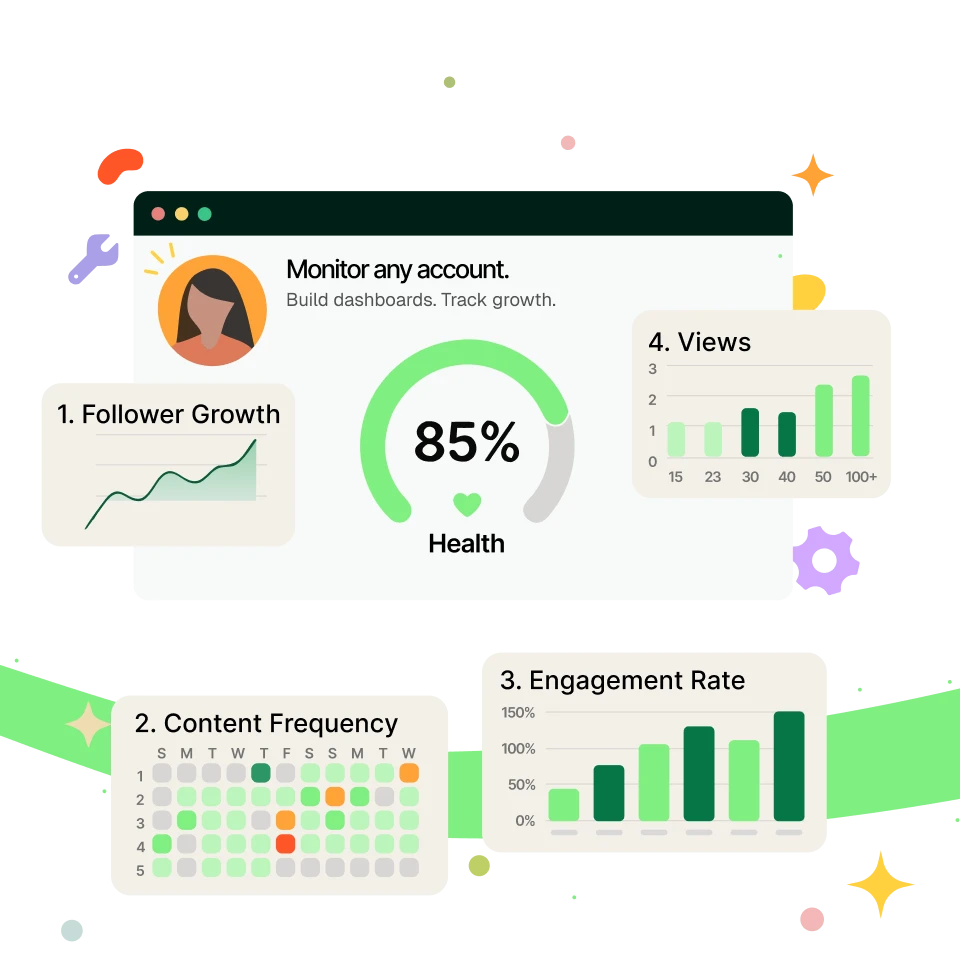
Mine app reviews
Read what Android users say, by stars, sort and language.
How it works
Your first request in three steps.
Use TypeScript or your automation tool of choice.
API key
sfk_live_••••••••••••
Free requests100
Step 1: Create your free account
Get an API key with 100 requests included.
GET/v2/instagram/profiles/charlidamelio
1 request · 1 credit
Step 2: Choose an endpoint
Pass a username, URL, keyword, or post ID.
200 OK1.82s
{
"handle": "charlidamelio",
"displayName": "Charli D'Amelio",
"followers": 48300000,
"following": 1284
}
Step 3: Get clean JSON
Use the response immediately or send it into your pipeline.
Works with your stack
Code, automate, or connect your AI.
 TypeScript
 n8n
Pricing
Social data, priced simply.
Start with 100 free credits. Monthly plans give you predictable volume and lower per-request rates.
Starter
18,000credits
$1.61 per 1k · $0.00161 per request
- Top up from $1.61 / 1k if you run out
- Up to 25 monitors
Growth
50,000credits
$1.58 per 1k · $0.00158 per request
- Top up from $1.58 / 1k if you run out
- 5 team seats
- Up to 100 monitors
Scale
150,000credits
$1.50 per 1k · $0.00150 per request
- Top up from $1.50 / 1k if you run out
- 25 team seats
- Up to 250 monitors
- Cancel anytime
- 30-day money-back guarantee
- Price locked while you stay
Need 1M+ credits, invoicing, or volume rates? Talk to us
Trust signals
DevHunt
Product Hunt
Uneed
Customers
Teams building on Social Fetch.
“Our TikTok and Instagram scrapers broke constantly. Social Fetch took us off that rotation — we ship product again.”
“A maker pastes one link and Social Fetch fills in their bio and socials. Most of inko runs on it, and it just works.”
Jade P. · Founder, inko “Live profile data on every request. We never flag accounts from a stale cache.”
Hannah Webb · Founder, Scam Finder “Heavy concurrent load, no rate limits to negotiate. The rare API I haven't wrapped in retries.”
Owen Pritchard · Founder, IP Flare
Google Play API: common questions
Is there a Google Play API?
Yes. Social Fetch has nine Google Play routes under /v1/google-play: app, reviews, developer, search, search suggestions, charts, and the category, storefront and language lists. Authenticate with your Social Fetch API key in x-api-key.
How do I look up an app?
Use GET /v1/google-play/apps/{appId} with the Android package name, for example com.spotify.music, or a Google Play link. Read data.lookupStatus: found puts the app in data.app, not_found puts null there.
Which country and language should I use?
Pass a two-letter country, for example us, gb or jp, and a language such as en, de or pt-BR. Ratings, prices, charts and search follow the country; names, descriptions and review text follow the language. GET /v1/google-play/storefronts and GET /v1/google-play/languages list every accepted value.
How do I read all reviews of an app?
Call GET /v1/google-play/apps/{appId}/reviews with limit up to 150, then pass data.page.nextCursor as cursor while data.page.hasMore is true. Keep the same sort and stars on every page: a cursor only works with the request it came from.
How deep do charts go?
Google Play ranks up to 200 apps in a chart. Pass chart (top-free, top-paid, top-grossing, new-free, new-paid or trending), a category such as GAME or SOCIAL, and limit up to 200. Small categories rank fewer apps.
How many results does search return?
Search returns what the store shows for a query: its featured exact match first, then the store's results, often 30 or 50 on the first page. Broad queries have more pages: pass data.page.nextCursor as cursor while data.page.hasMore is true. Use price=free or price=paid to filter. A query with no match returns an empty list.
How much does the Google Play API cost?
Each route charges one credit per completed request; each page is a separate request. Refused input costs nothing. Check meta.creditsCharged on every response. New accounts start with 100 free credits.
Does HTTP 200 mean the app exists?
No. HTTP 200 means the request finished. Check data.lookupStatus on the app, reviews and developer routes: not_found means Google Play has no such app or developer.
The Google Play API in detailHow the Google Play routes work, what they cost, and how they differ from the official API.
Why teams use Social Fetch for Google Play
Social Fetch exposes nine routes under /v1/google-play. Look up one app by its package name (com.spotify.music) or Google Play link with GET /v1/google-play/apps/{appId}: you get everything the store page shows, from the full description, rating histogram and install count to the developer's contact details, permissions, data safety summary and similar apps. Read reviews with GET /v1/google-play/apps/{appId}/reviews, newest or most relevant first, filtered by stars, up to 150 a page with a cursor.
Charts (GET /v1/google-play/charts) rank up to 200 apps for top free, top paid, top grossing, new and trending, in any category. Search returns the store's own results for a keyword, with a free or paid filter, and the suggestions route completes a partial query. GET /v1/google-play/developers/{developerId} lists every app a developer publishes. Every route takes a two-letter country and a language; three reference routes list the accepted categories, storefronts and languages. Responses use the { data, meta } envelope with data.lookupStatus.
How to call the Google Play API
1. Create an API key
Sign up at Social Fetch and copy a key (
sfk_...). New accounts get 100 free credits, enough to try every Google Play route.2. Pick the route, country and language
Use
GET /v1/google-play/apps/com.spotify.music?country=gbfor one app, orGET /v1/google-play/charts?chart=top-free&category=GAMEfor a chart. Sendx-api-keyon every request.3. Branch on the answer
Check
data.lookupStatusbefore you store a row, followdata.page.nextCursorwhiledata.page.hasMoreis true, and bill frommeta.creditsCharged.
What each Google Play route returns
- One app by package name or link: ratings and histogram, installs, price, in-app purchases, ads, content rating, version, release and update dates, what's new, screenshots and video.
- Developer contact details as the store lists them: email, website, address, phone and privacy policy.
- Permissions by group and the data safety summary the developer declared.
- Reviews up to 150 a page with star filters, three sorts, helpful counts, app versions and developer replies.
- Top free, paid, grossing, new and trending charts of up to 200 apps, in any category.
- Store search with a free or paid filter, and the search suggestions the store shows.
- Every app a developer publishes, paged with a cursor.
How much does the Google Play API cost?
Each Google Play route charges one credit per completed request, and each page of reviews or of a developer's apps is a separate request. Invalid input (an unknown country, language or category, or a cursor from another request) is refused before any work and costs nothing. meta.creditsCharged on every response is the billing source of truth.
Social Fetch vs the official Google Play API
Google Play has no public API for store listings, reviews of other developers' apps or charts. Social Fetch returns them in one { data, meta } envelope with lookupStatus, echoes the storefront and language back, keeps one app card shape across search, charts and developer lists, and uses the same API key and credit meter as the rest of Social Fetch.
More platforms on the same key
 Google Shopping API
 Gumtree API
 H&M API
Tools and guides
Pull your first Google Play data.
Run a live Google Play request in the playground. 100 free credits, no card, JSON back in seconds.
No credit cardSign up in 30 seconds withGoogleGitHub