Apify
Run Social Fetch lookups as pay-per-event Apify Store Actors — dataset export, schedules, and Apify-native billing without pasting an API key.
Run Social Fetch as Store Actors under @social-fetch. Each Actor maps 1:1 to a documented REST route, writes to the default dataset, and bills via Apify PPE. Apify token only — no Social Fetch API key.
What you'll need
- A free Apify account.
- An Apify API token for the Console,
apify-client, REST API, or schedules. - Billing through Apify PPE (per dataset row) — not Social Fetch credits.
Quick start
- Open the @social-fetch Store page and pick an Actor.
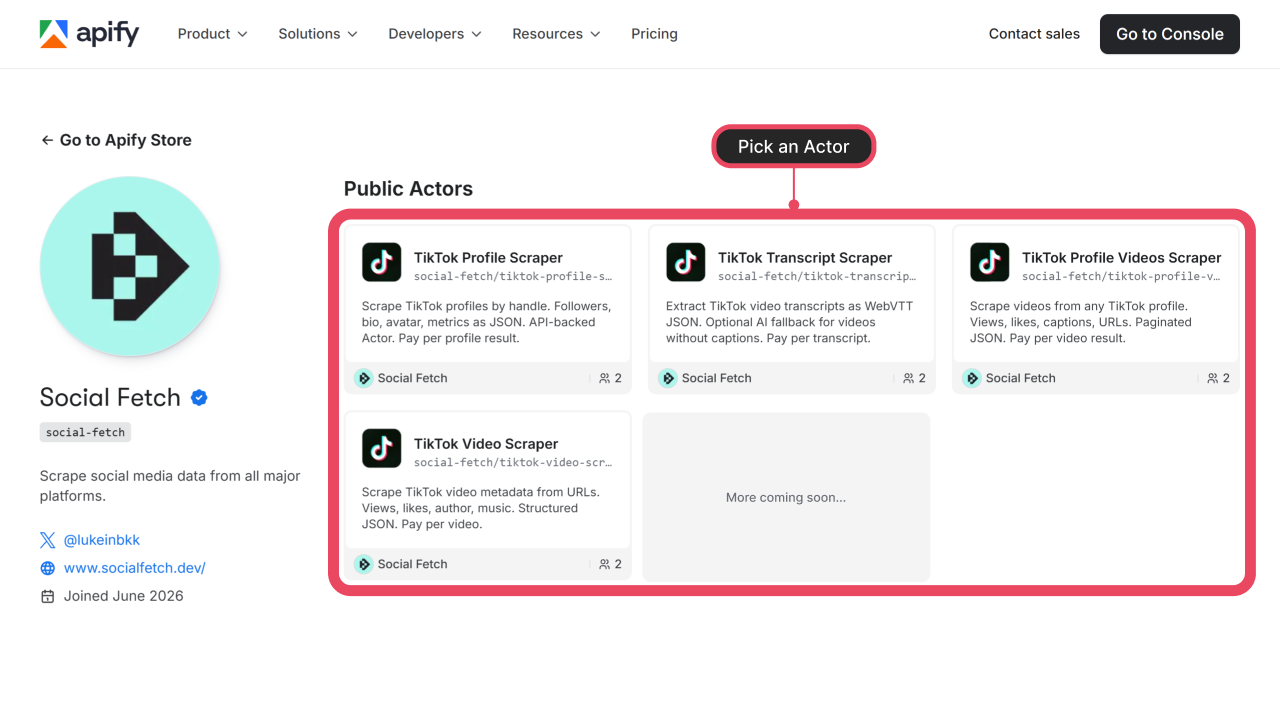
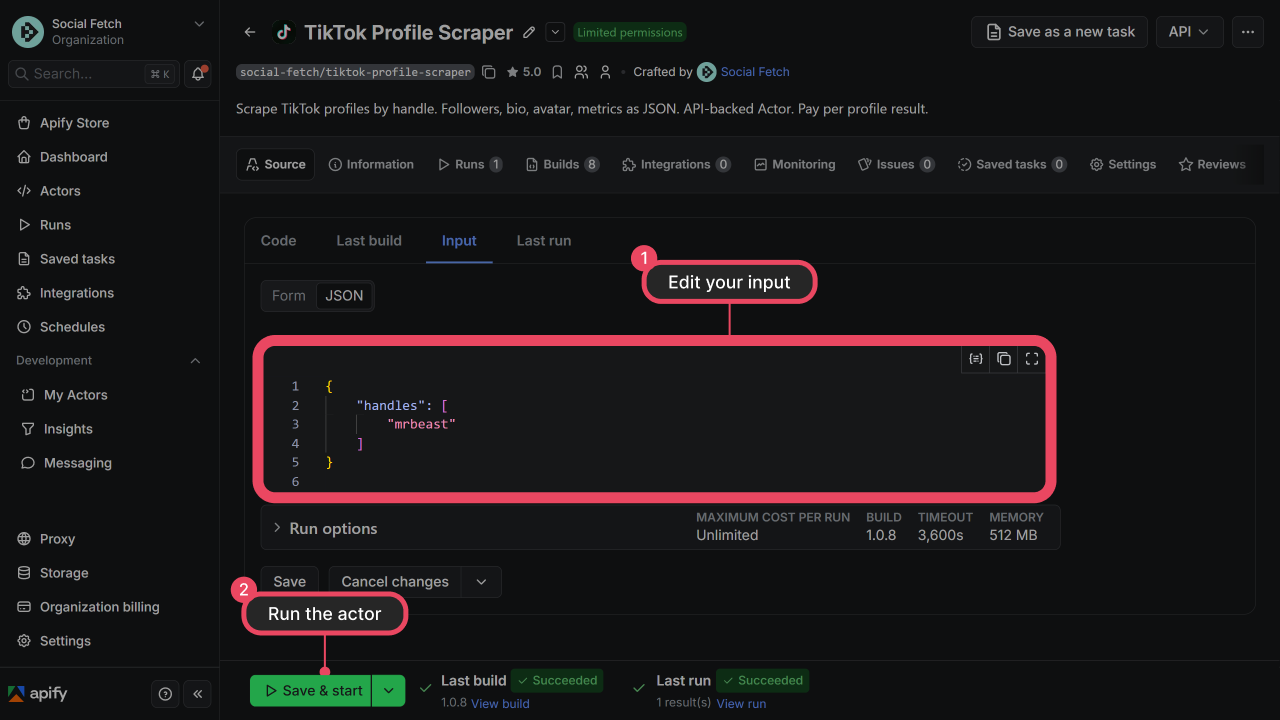
- Click Try for free, paste handles or URLs on the Input tab, and click Start.
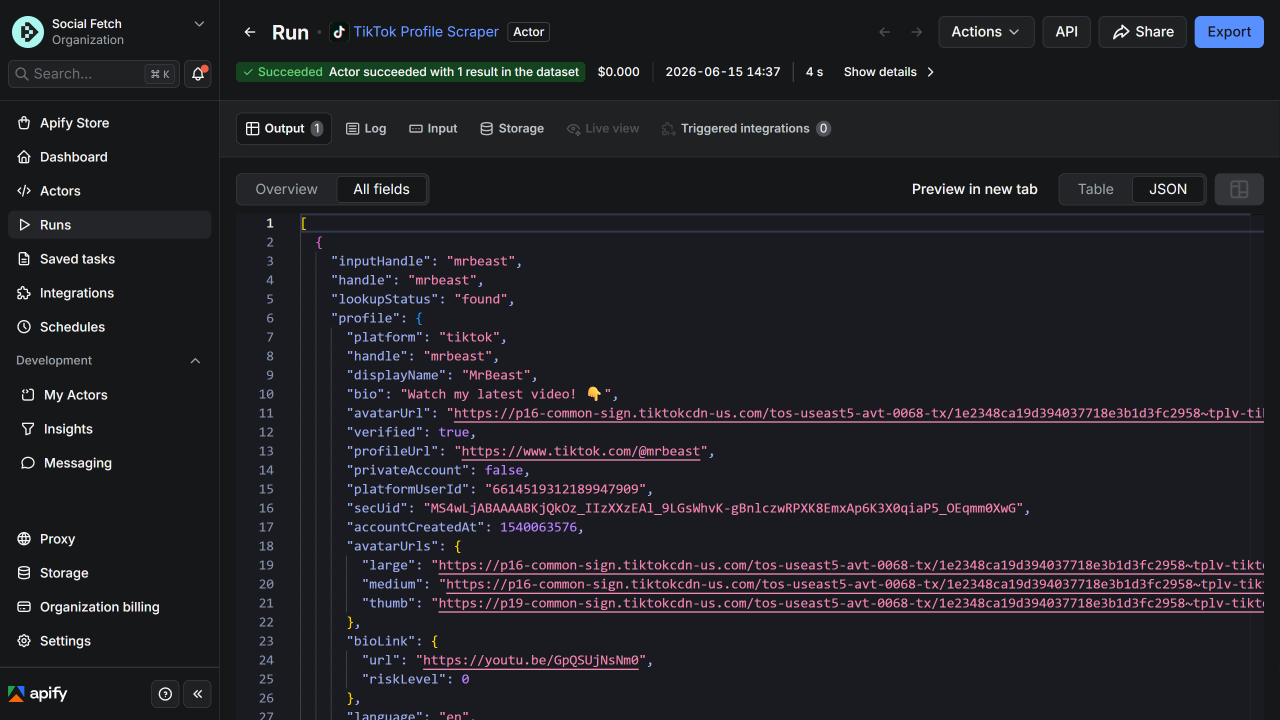
- Open the run Output tab when the Actor finishes. Each dataset row matches the REST API
{ data, meta }envelope. Export as JSON, CSV, or Excel from Export.
Results
Each completed lookup becomes one dataset item. HTTP 200 does not always mean data was found — check lookupStatus when present. See Errors.
Pricing
$1.98 per 1,000 dataset rows on all Actors, plus a small per-run start fee. Charged for completed lookups, including not_found. See each Actor's Store page for live pricing.
Programmatic runs
Trigger runs with apify-client, the Apify REST API, schedules, or webhooks.
import { ApifyClient } from "apify-client";

const client = new ApifyClient({ token: "YOUR_APIFY_TOKEN" });
const run = await client.actor("social-fetch/tiktok-profile-scraper").call({
  handles: ["mrbeast"],
});
const { items } = await client.dataset(run.defaultDatasetId).listItems();
console.log(items);
Troubleshooting
| Symptom | What to check |
|---|---|
| Run fails with auth error | Apify token missing or invalid — regenerate in Console → Settings → Integrations. |
| Empty dataset | Invalid handle or URL in input. Check the run log for per-item errors. |
lookupStatus: not_found or private | Lookup completed successfully but nothing was found — still billed as a row. See Errors. |
| Rate limit (429) | Wait and retry; use smaller batches. |
| Higher cost than expected | PPE charges per dataset row. Profile-videos emits one row per video, including not_found. |